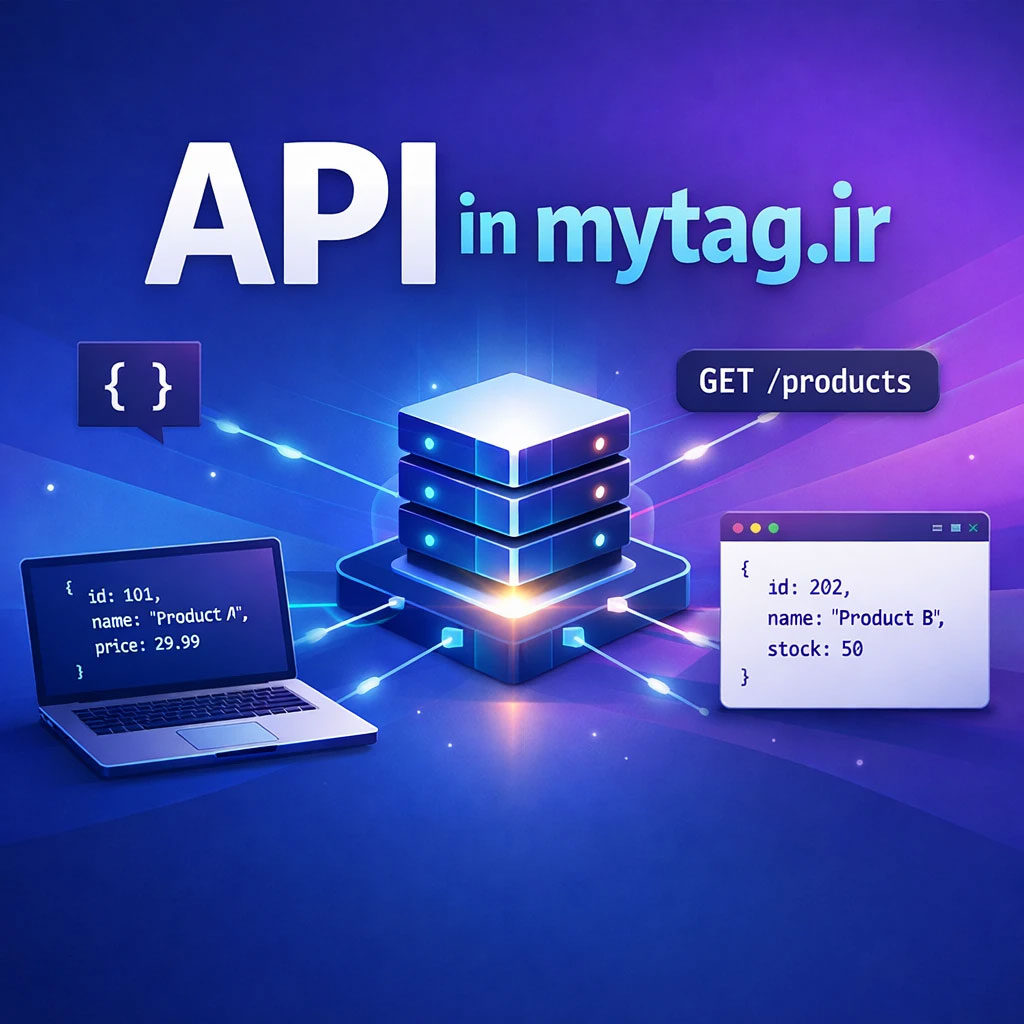
در این تمرین قرار است با یک API ساده محصولات کار کنید و دادهها را در پروژههای خود (HTML / JavaScript / React / Vue / PHP) نمایش دهید.
GET      /api/products
GET      /api/products/1
POST     /api/products
PUT      /api/products/1
DELETE   /api/products/1

GET      /api/categories
GET      /api/categories/1
POST     /api/categories
PUT      /api/categories/1
DELETE   /api/categories/1
آدرس API:
https://mytag.ir/api/productsاین API اطلاعات محصولات را به صورت JSON برمیگرداند.
دریافت لیست همه محصولات
درخواست:
GET
https://mytag.ir/api/products

نمونه خروجی:

[
{
"id": 1,
"title": "Backpack",
"image": "https://mytag.ir/api/img/woo.jpg",
"category": "bags",
"description": "…"
},
{
"id": 2,
"title": "T-Shirt",
"image": "https://mytag.ir/api/img/botany.webp",
"category": "clothing",
"description": "…"
}
]
دریافت یک محصول خاص
درخواست:
GET
https://mytag.ir/api/products/2

نمونه خروجی:

{
"id": 2,
"title": "T-Shirt",
"image": "https://mytag.ir/api/img/botany.webp",
"category": "clothing",
"description": "…"
}
مثال استفاده با JavaScript
fetch("https://mytag.ir/api/products")
  .then(response => response.json())
  .then(data => {
      console.log(data);
  });
ساخت محصول
POST
https://mytag.ir/api/products

fetch("https://mytag.ir/api/products",{
method:"POST",
headers:{
"Content-Type":"application/json"
},
body:JSON.stringify({
title:"New Product",
image:"https://example.com/img.jpg",
category:"electronics",
description:"test product"
})
})
.then(r=>r.json())
.then(console.log)
ویرایش محصول
PUT
/api/products/1

fetch("https://mytag.ir/api/products/1",{
method:"PUT",
headers:{
"Content-Type":"application/json"
},
body:JSON.stringify({
title:"Updated product",
image:"img.jpg",
category:"electronics",
description:"updated"
})
})
حذف محصول
DELETE /api/products/1

fetch("https://mytag.ir/api/products/1",{
method:"DELETE"
})
از این به بعد برای درخواست زدن نیازی به سرور های دیگه نیست برای تمرین Ajax دوره های داخل سایت mytag.ir از همین Api میتونین استفاده کنین.